

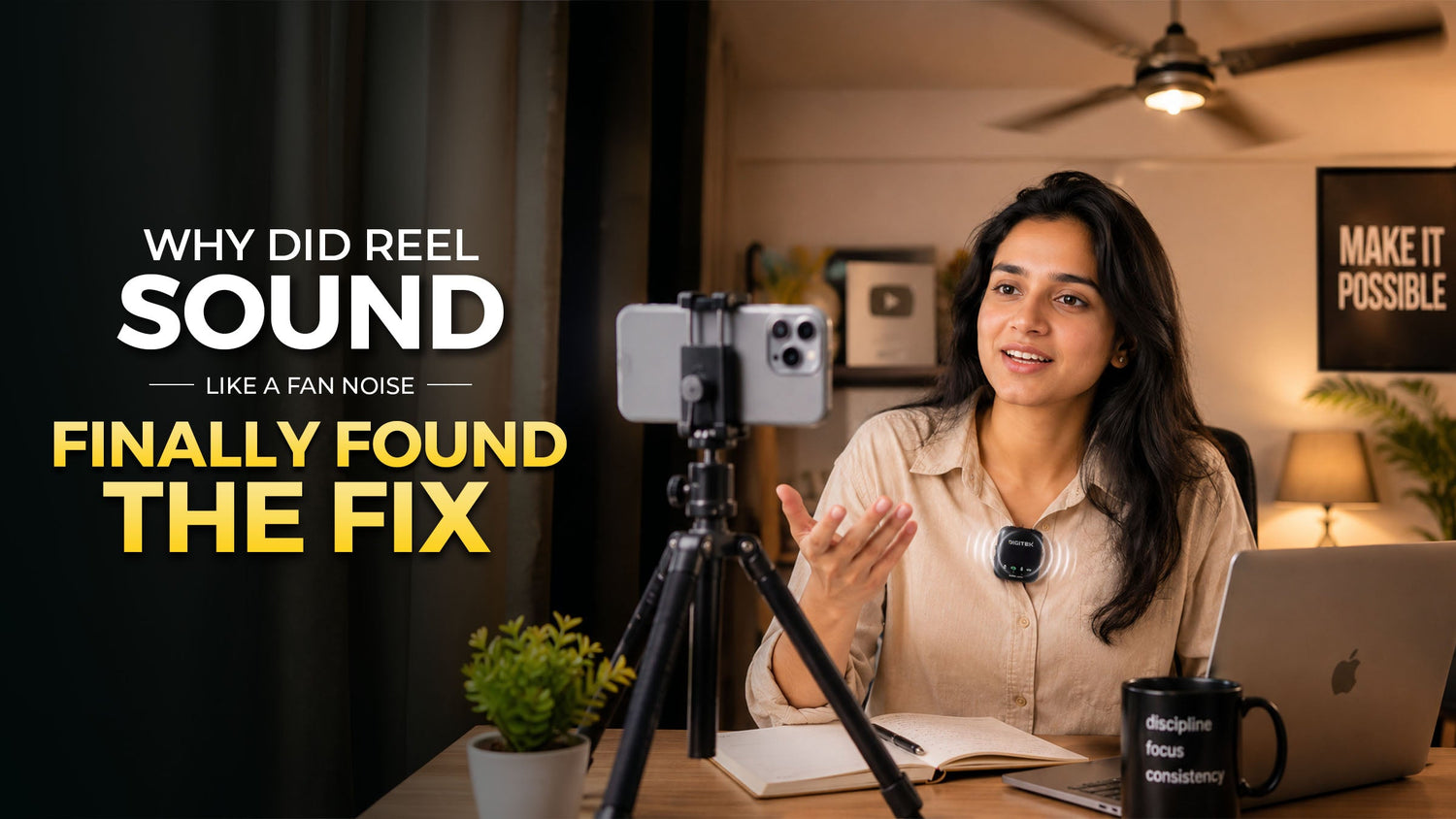
You shot the perfect reel.
The lighting was good.
Framing was clean.
Your expression was on point.
The edit looked sharp.
However, once you play it back, your voice sounds as if it were competing against a ceiling fan, traffic, wind, echo, and your own voice.
This is one of the most common issues that many creators are facing nowadays. Even if your video looks high-end, the use of weak audio can ruin your entire content production process. But with the increase in popularity of reels, vlogs, interviews, podcasts, product videos, and YouTube content in 2026, it is now essential to ensure clear sound for all the videos.
Here is where Wireless Microphones come in handy!
They allow your voice to sound clear, close, and professional without having you rely upon the smartphone’s built-in microphones. Whether you are shooting from inside, outside, in cafes, on streets, in studios, or at events, having the right wireless microphone can instantly boost the quality of your content production.
Moreover, if you have been looking into the topic of comparing Wireless Microphones Price and features, then this blog will be extremely useful to you.
Why Your Reel Sounds Like Fan Noise
In most cases, phone microphones are designed to pick up sounds coming from all around. In other words, they will record all sounds surrounding you.
Noise from fans, AC sounds, ambient traffic sounds, other people's voices in the background, echo from the room, wind sounds, honks from cars, typing sounds, and random ambient noise.
This means that although you might be speaking very well, your phone will also be picking up too many sounds surrounding you. Therefore, even though your visuals might be perfect, your reel will not be clear at all.
On the other hand, a wireless microphone will get rid of this problem by remaining closer to your mouth. The microphone will capture your sound better while minimising other distracting background noises.
Common Audio Problems Creators Face
Problem 1: Your voice sounds too far away
This occurs if recording is done through the microphone of your phone alone. In case you place the phone slightly away from yourself, you will hear your voice sounding like it is from a distance, empty, or muffled.
The wireless microphone attaches itself very close to your collar, shirt, or dress. This allows your voice to remain close to the microphone and results in clear and full audio.
Problem 2: Background noise ruins the video
You might be filming the product video in your house, but the fan is operating in the background. Or, maybe you are filming outdoors, but there is noise coming from the vehicles. Or, maybe you are filming at a café, but there is chattering going on around you.
The advanced technology in modern wireless microphones has several mechanisms to help you eliminate the unnecessary background sounds. In turn, this will make your voice more prominent and make your content seem more professional.
This is one of the top reasons why creators prefer Wireless Microphones over smartphone recordings.
Problem 3: Interviews sound uneven
When two people are talking, one person may sound clear while the other sounds low. This usually happens when both people are not equally close to the phone.
A 2-in-1 wireless mic setup gives separate transmitters for two people. This helps both voices get recorded clearly, making it perfect for interviews, podcasts, couple reels, client testimonials, street interviews, and YouTube conversations.
Problem 4: You cannot monitor your audio while recording
Many creators only realise the audio is bad after the shoot is over. By then, the moment is gone.
Some advanced wireless mic systems come with audio monitoring features, so you can check the sound while recording. This helps avoid retakes and gives better control during interviews, podcasts, and professional shoots.
Digitek DWM-116 2-in-1 Wireless Microphone
The Digitek DWM-116 is a 2-in-1 Wireless Microphone system compatible with all kinds of mobile devices, tablets, and other devices. It is ideal for video recording, vlogging, YouTube, live interviews, meetings, online teaching, and mobile content creation.
It comes with 2.4GHz wireless transmission, a magnetic clip, noise reduction function, 360° sound capture, and up to 40m barrier-free range. The back clip design makes it quick to wear and easy to use, especially when you are shooting fast content.
It also offers around 6 hours of continuity time, and with the charging case, you can get up to 24 hours of usage support. This makes it useful for creators who shoot multiple videos in one day.
How it solves creator problems
If your reel sounds like fan noise or your voice gets lost in the background, the DWM-115 helps by keeping the mic close to your voice and using noise reduction to improve clarity.
The reverberation effect also allows you to adjust the recording feel in real time, making it useful for creators who want better voice output without complicated settings.
Best for: reels, vlogs, YouTube videos, live interviews, teaching videos, meetings, and mobile content creation.
NEW LAUNCH: Digitek DWM 122 Wireless Microphone System
The Digitek DWM 122 is a more advanced wireless microphone system made for creators who want better control, longer range, and professional audio features.
It works with Android smartphones, iPhones, and DSLR cameras using Type-C and Lightning connectors. This makes it a flexible option for creators who shoot across different devices.
One of its biggest highlights is wireless audio monitoring. It comes with dedicated monitoring earbuds that allow real-time audio checking while recording. This is a major advantage for vloggers, interviewers, podcasters, and filmmakers who cannot afford bad audio after the shoot is done.
It also offers up to 80m wireless transmission range, TF card support for direct audio recording, 48kHz audio sampling rate, 20Hz to 20kHz frequency response, and more than 78dB noise reduction.
How it solves creator problems
Those who always question the quality of their sound recording will appreciate this microphone’s real-time monitoring feature.
TF memory cards are also an advantage because they are another means of ensuring that the recordings will be saved.
In case one is considering Wireless Microphones Price and trying to find a device that fits one’s needs, here is an offer worth checking.
Perfect use cases: interviews, podcasting, filmmaking, DSLR photography, YouTube videos, educational purposes, meetings, and professional content creation.
Digitek DWM 123 2-in-1 Wireless Microphone System
The Digitek DWM 123 is a compact and creator-friendly 2-in-1 wireless microphone system with a charging case and magnetic collar clip. It comes with 2 transmitters and 1 Type-C receiver, making it suitable for solo and duo recordings.
It is compatible with iPhone 15 and above, plus Type-C Android smartphones. The plug-and-play design makes it very easy to use. No apps, no complicated setup, no extra stress.
With stable 2.4GHz wireless transmission and up to 60m range, it gives creators the freedom to move while recording. It also offers up to 4.5 hours of working time and comes with a compact 400mAh charging case.
How it solves creator problems
In case you make recordings of interviews, reel pairs, street footage, product footage, or vlog content, the DWM 123 works well in terms of making both parties' audio sound clear. With a magnetic collar clip attachment, this microphone offers clear voice recording with minimal background interference.
Thus, it is a good choice for users who prefer audio that is clean and easy to record without having a complex procedure.
When choosing between Wireless Microphones Price, this can be a practical decision because it allows having dual microphones with the option of using the Type-C port and a portable charging station.
Best for: reels, vlogs, podcasts, interviews, YouTube, couple content, and smartphone creators.
How to Choose the Right Wireless Microphone
Check your device compatibility
Make sure that the microphone is compatible with your smartphone, camera, or laptop. Compatibility with Type-C, Lightning, and DSLR cameras should be considered based on how you record.
Look for noise reduction
If you film outdoors in places such as streets, cafes, homes, events, or office spaces, then noise cancellation is absolutely necessary.
Choose range based on your content
If you shoot close-up videos, then go for a shorter range. If you do interviews, walk-and-talk videos, event shoots, and outdoor shooting, consider picking a long-range lens.
Battery life matters
Filmmakers will often shoot more than one video during their shoot. Having good battery longevity is vital for smooth workflow.
Pick dual mics for interviews
If you shoot with another person, choose a 2-in-1 wireless mic system. It helps both voices sound clear and balanced.
Final Thoughts
The reels that go wrong could be overlooked, but faulty audio can never be overlooked.
Your reel will either sound like fans, traffic, echo, or other forms of background noises, but it may not necessarily be the editing of the reel. It could most likely be a microphone.
Good Wireless Microphones will give your reel an added professional sound by bringing down the gap between your voice and the microphone.
The Digitek DWM-115 is perfect for those who use smartphones to create videos. For those who want a microphone that offers both professionalism and monitoring features, the Digitek DWM 122 would be a good choice. The Digitek DWM 123 will suit those who are into Type-C smartphones.
Therefore, you know how to stop your reel from sounding like fans now, right?
And before buying, compare features along with Wireless Microphones Price, because the best mic is not only about cost. It is about clarity, compatibility, battery life, range, and how easily it fits into your shooting style.

Leave a comment
This site is protected by hCaptcha and the hCaptcha Privacy Policy and Terms of Service apply.